 Docnest
Diese Seite ist noch nicht übersetzt und wird auf Englisch angezeigt.
Agent conversations
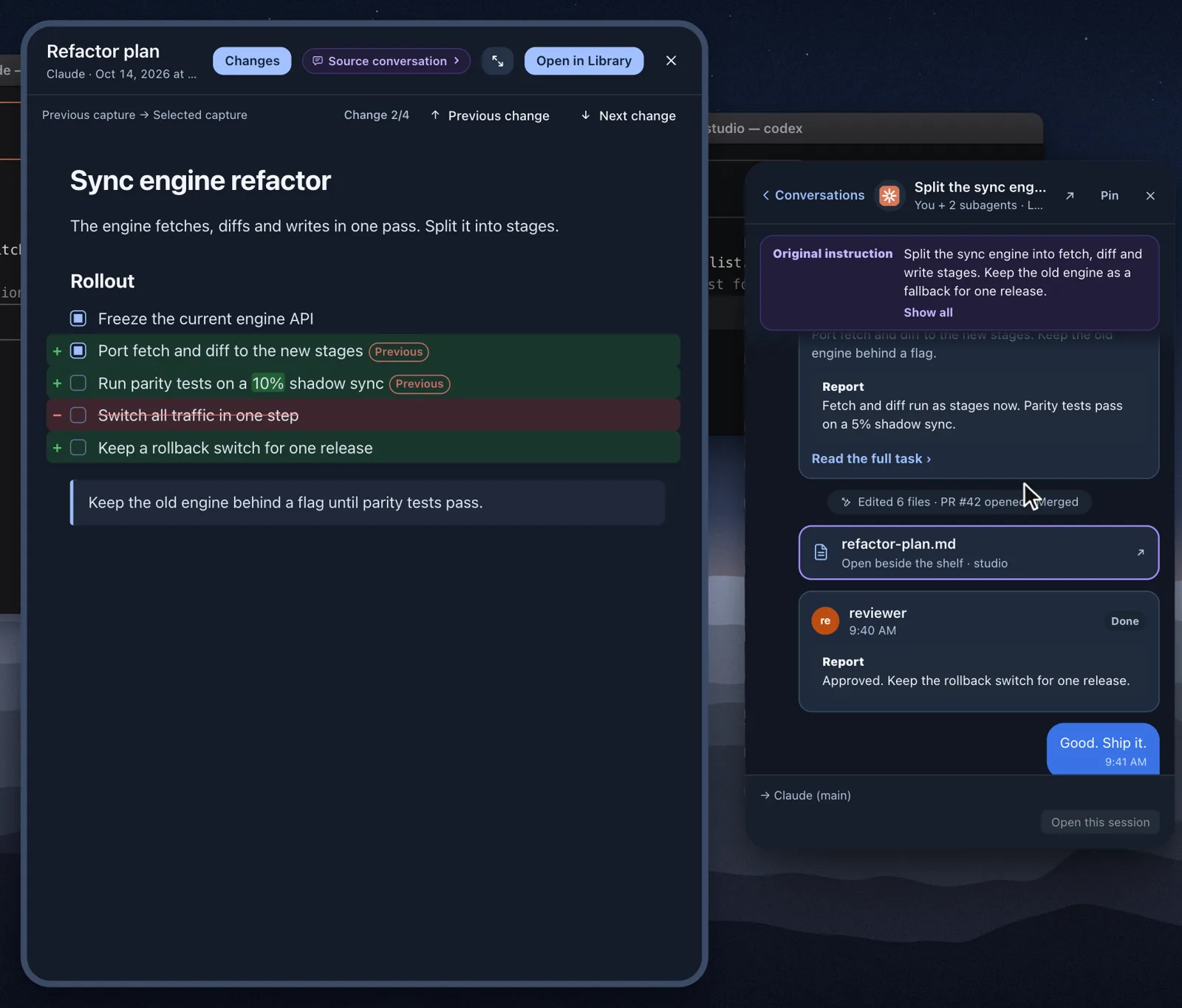
Docnest can show you the conversation behind a document: the tasks you gave, and the reports that came back from the main AI and its subagents. It helps when you're looking at a plan and wondering what was actually asked for.
Turn it on
Conversations need two things:
- Allow on the first-launch question, Read agent session records. You can change it later in Settings → Capture → How Docnest collects.
- Show agent conversations turned on in Settings → Agent conversations. It's on by default.
If the Conversations tab is grayed out, one of these is off.
Docnest reads the agents' record files and never changes them. On this Mac it keeps only short excerpts from the last 7 days, with anything that looks like a secret masked. Turning off either setting deletes them. Conversations older than 7 days drop off the list.
On the shelf
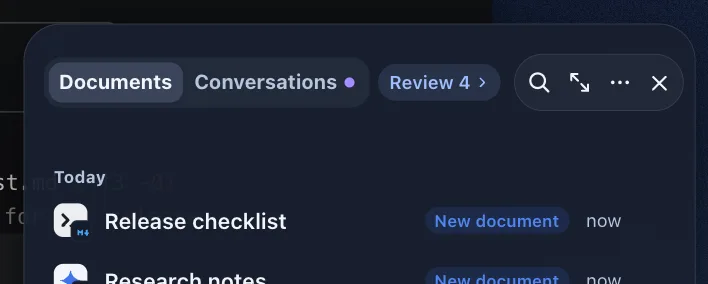
The top of the shelf switches between Documents and Conversations (⌘1 and ⌘2 while the shelf is open). A small dot next to Conversations means there has been new activity since you last looked.
Click a conversation to open it beside the shelf.
From a document to its conversation
When a document came from a recorded session, its header shows Source conversation ›. Click it to open the conversation that produced that version of the document. If you go back and forth, Docnest remembers where you were reading.
In the library
Choose Conversations (⌘2) in the library, or right-click the menu bar icon and choose Agent conversations. Pick a conversation on the left to see the tasks and reports exchanged in it.
Sending a message
You can reply to an agent from a conversation window. Before anything is sent, Docnest always shows the message and the command it will run, and asks you to confirm.
If the agent is still working, your message waits in a queue. Messages go out in order when the session is free, without interrupting the current task.
Temporary documents
Agents sometimes write throwaway files in temporary folders. With Show temporary documents in conversations on (the default), you can read them inside the conversation. This setting doesn't add them to the library. To collect them, see Supported AI tools and privacy.