 Docnest
Эта страница ещё не переведена, поэтому показана на английском.
Docnest guide
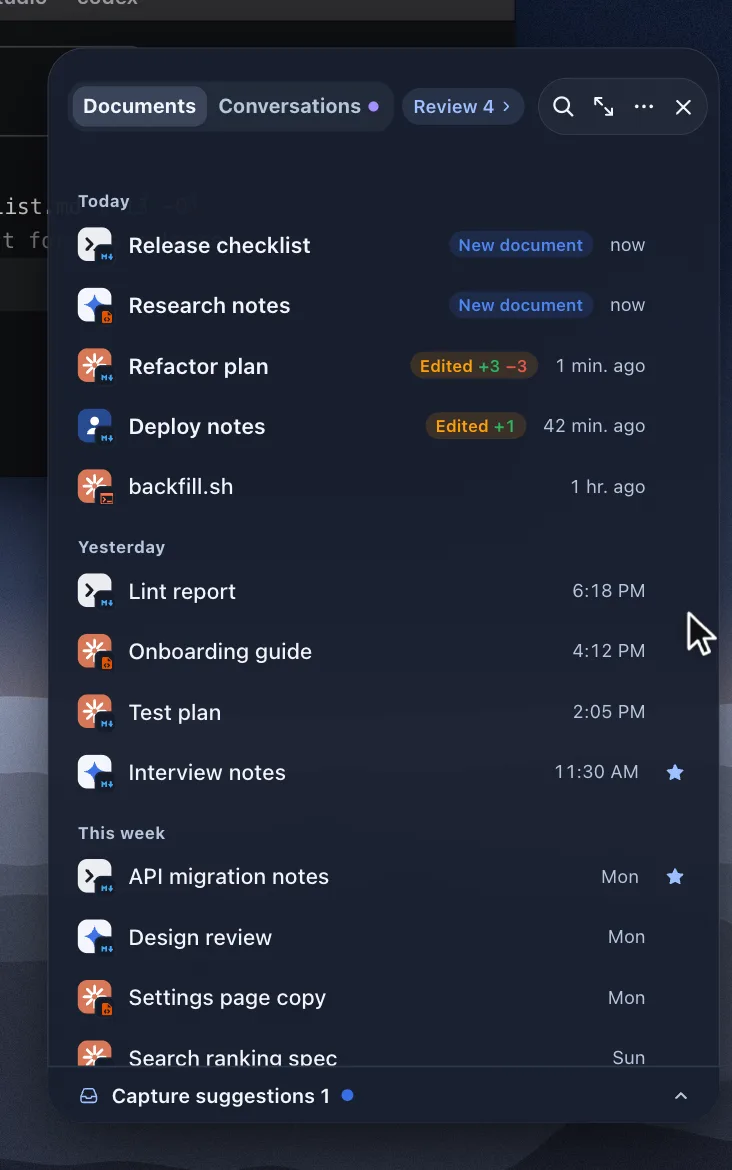
Docnest collects the documents, plans and images your AI agents write on your Mac and shows them on a shelf at the edge of your screen. If you just installed it, start with Getting started.
Start here
- Getting started: install, the one question Docnest asks, and where the shelf lives.
- Reading and review: what New document and Edited +N −M mean, and how to keep or clear a document.
Using Docnest
- The library: find any document by project, date or AI.
- Agent conversations: see the conversation that produced a document.
- Supported AI tools and privacy: what Docnest reads, and what stays on your Mac.
- Settings and shortcuts: where the shelf appears, notifications and every keyboard shortcut.
When something is off
- Troubleshooting: a menu bar icon hidden behind the notch, documents that don't show up, permission prompts.
- Support: report a bug, suggest a feature or email us.